

Indoor Golf Simulator Guide for Smart Buyers

A great simulator is not just a screen, a mat, and a launch monitor dropped into a spare room. The right build feels natural to use, fits the space correctly, and delivers ball data you can trust. That is why an indoor golf simulator guide should start with one question: what do you want this system to do for you every week?
For some buyers, the answer is lower scores and year-round practice. For others, it is family entertainment, client hospitality, or a revenue-generating attraction. Those goals shape everything that follows, from the room dimensions and launch monitor choice to the projector, computer, flooring, and enclosure design. If you get the early decisions right, the simulator becomes a long-term asset instead of an expensive compromise.
What this indoor golf simulator guide should help you decide
Most buyers assume the hardest part is picking the simulator brand. In reality, the harder part is aligning the technology with the room, the user, and the budget. A premium launch monitor in the wrong space will still produce a frustrating setup. A carefully planned mid-to-high-end system, installed properly, often delivers a better experience than a more expensive package assembled without much thought.
That is especially true because residential and commercial projects have different priorities. In a home, comfort, appearance, noise control, and flexibility matter a lot. In a business, uptime, durability, user flow, and repeatable performance usually matter more. Schools and golf facilities often land somewhere in between, needing strong training value without creating a complicated experience for students or staff.
Start with space, not equipment
The room tells you what is possible. Before you compare launch monitors or projector specs, you need accurate dimensions for width, height, and depth. Ceiling height is often the first limiting factor, especially for taller players or anyone who wants to swing driver comfortably. Width matters for centered hitting positions and safe movement. Depth affects player placement, screen distance, and whether the system feels cramped.
A garage may offer strong depth and flexibility, but insulation, climate control, and floor slope can become part of the project. A basement may feel more finished and comfortable, but soffits, beams, and ceiling height can change equipment placement. A bonus room can be ideal for a polished home installation, though sound containment and room proportions need careful planning.
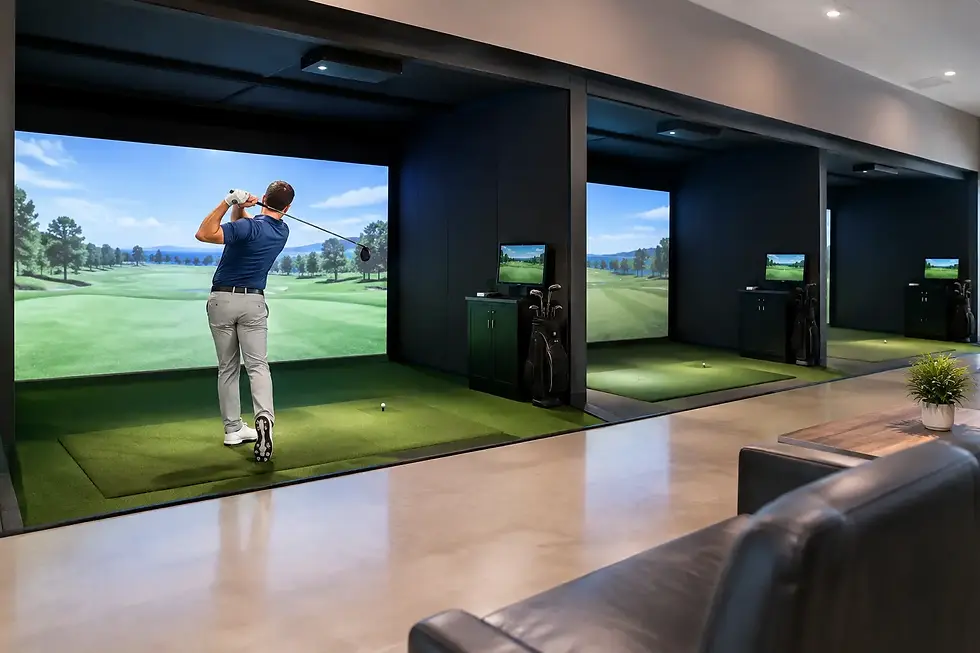
Commercial spaces add another layer. Bars, restaurants, and entertainment venues need enough clearance for traffic flow and spectator seating without compromising player safety. A 24/7 simulator facility needs durable finishes, easy maintenance, and hardware choices that can handle repeated daily use.
This is where custom design matters. There is no single room formula that works for every buyer, and trying to force a standard package into a nonstandard room is one of the most common mistakes in this category.
The launch monitor is the engine
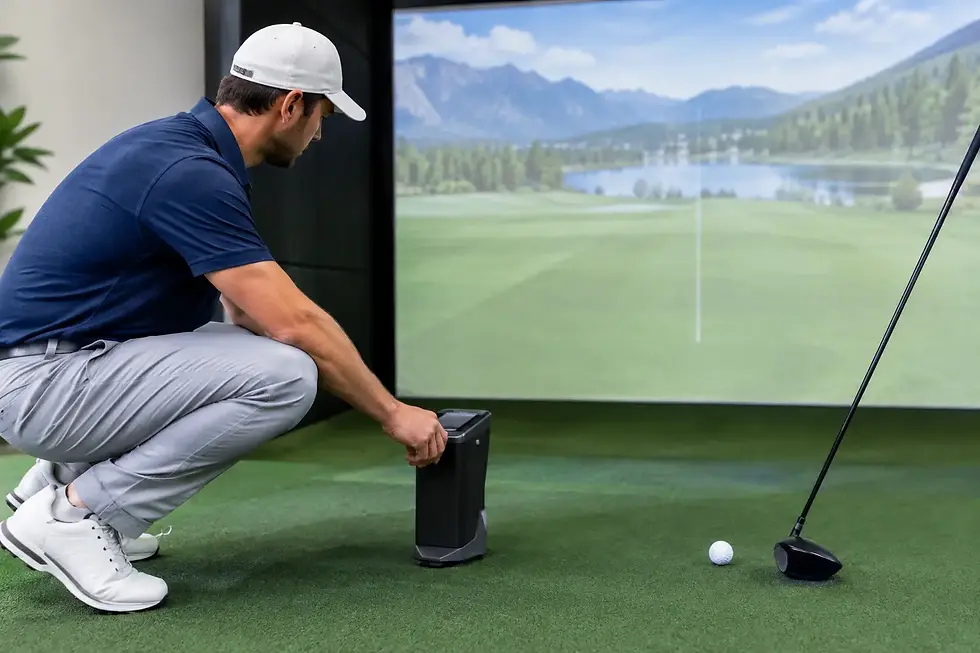
If the simulator has a core component, it is the launch monitor. This is the piece that determines how accurately your shots are measured and how useful the data will be. For golfers focused on practice and game improvement, this matters more than flashy visuals. For entertainment-driven buyers, it still matters because poor shot reads quickly take the fun out of the experience.
Different technologies serve different needs. Some systems excel in overhead mounting and cleaner room integration. Others are favored for portable use or for highly detailed club and ball data. Some are a strong fit for coaching environments. Others work well for commercial entertainment setups where ease of use is critical.
It depends on how the simulator will be used. A serious player may prioritize measured data, software compatibility, and consistency across practice sessions. A family might care more about simple operation and game variety. A business owner may need a setup that balances realism with durability and throughput. The best choice is not the most famous logo. It is the one that fits the room and the reason you are buying.
The parts around the simulator matter more than people expect
A lot of buying decisions get narrowed to launch monitor versus launch monitor, but the surrounding components have a huge effect on the final experience. The enclosure has to fit the room and manage rebounds safely. The impact screen needs to deliver a good image while holding up over time. The hitting mat should feel stable underfoot and realistic enough to support regular practice.
Then there is the visual side. A quality projector with the right brightness, throw ratio, and mounting position can make the simulator feel polished instead of patched together. The computer has to match the software and graphics demands. Flooring, lighting, padding, and wall protection all shape how the room performs and how professional it feels.
These pieces are not accessories in the casual sense. They are part of the system. If one weak link is overlooked, the overall result suffers.
Budgeting for value, not just price
An indoor golf simulator guide should be honest about budget. Prices can vary widely, and that range exists for a reason. Some buyers need a high-performance practice environment with premium data, sharp visuals, and custom integration. Others want a strong all-around setup that balances performance and entertainment without overspending.
The better way to think about cost is to separate must-haves from nice-to-haves. Accuracy, room fit, safety, and reliable hardware are usually must-haves. Certain cosmetic upgrades or software add-ons may be worth doing later. That kind of prioritization helps buyers avoid spending heavily in the wrong places.
For commercial buyers, value should also be measured against downtime risk, customer experience, and maintenance demands. A lower upfront price can be expensive if the setup creates service issues or frequent user frustration. For homeowners, the same logic applies in a different way. If the room is awkward, loud, or inconvenient, the simulator may not get used as often as expected.
Home and commercial buyers should plan differently
Residential projects usually begin with lifestyle questions. Who will use the simulator? Is it primarily for one golfer, the whole family, or guests? Does the space need to stay multipurpose? Do you want a clean, integrated look that complements the home, or is the priority simply maximizing performance in the available footprint?
Commercial projects need a business lens. How many users will cycle through the space? Will staff supervise the area or will customers operate it themselves? Is the simulator intended to drive food and beverage sales, offer lessons, host leagues, or support memberships? The answers shape hardware durability, layout, software flow, and service planning.
That is one reason experienced guidance matters. A simulator built for a golfer's basement is not automatically the right solution for a bar, school, or golf course. The use case changes the design.
Why installation and support deserve more attention
Even premium products can disappoint if installation is rushed or poorly planned. Proper mounting, alignment, calibration, cable management, lighting control, and software setup all affect usability. In many builds, the difference between a good simulator and a great one comes down to execution.
Support matters after installation too. Buyers are often making a meaningful investment, and they want confidence that the system will continue performing the way it should. That is why a full-service partner brings more value than a simple box-drop transaction. The real benefit is having someone who understands golf, technology, room design, and the details that make the system work together.
Green Pro Golf Simulators has built its reputation around that full-project approach, which is especially valuable when the room is unique or the buyer wants a premium result without guesswork.
Common mistakes this indoor golf simulator guide can help you avoid
The first mistake is buying based on specs alone. Numbers matter, but they do not tell you whether a system fits your room or your goals. The second is underestimating space constraints, especially ceiling height and hitting position. The third is treating the enclosure, mat, projector, and computer like afterthoughts.
Another common issue is planning too narrowly for the present. A golfer may buy for solo practice, then realize six months later the family wants entertainment features too. A business may plan for light traffic, then need a setup durable enough for constant use. Building with a little foresight can prevent expensive changes later.
How to make the right decision
The best buying process is consultative, not rushed. Start with the room. Define the primary use. Set a realistic investment range. Then build the system around those factors instead of trying to reverse-engineer a package into the space.
For some buyers, that leads to a dedicated high-end practice studio. For others, it leads to a polished entertainment room or a commercial simulator bay designed for steady public use. Both can be excellent outcomes if the design matches the purpose.
A well-built simulator should feel like it belongs in the space and in your routine. It should make practice easier, entertainment more engaging, and ownership simpler than you expected. If the planning is done right, you will not spend your time wondering whether you chose the right system. You will spend it using it.

Comments