
A 24 7 Simulator Facility Example That Works

A successful 24/7 simulator facility example is not simply a room with launch monitors and online booking. It is a carefully planned golf business built around access, reliability, member behavior, and a consistent experience at every hour. When the doors stay open around the clock, your equipment, layout, software, security, and support plan all need to work together without an employee standing beside every bay.
For golfers, the appeal is obvious: practice when work, family, and weather allow. For an operator, the opportunity is to generate revenue beyond traditional staffed business hours. The difference between a facility that earns loyal members and one that becomes a constant service headache comes down to the decisions made before installation begins.
A Practical 24/7 Simulator Facility Example
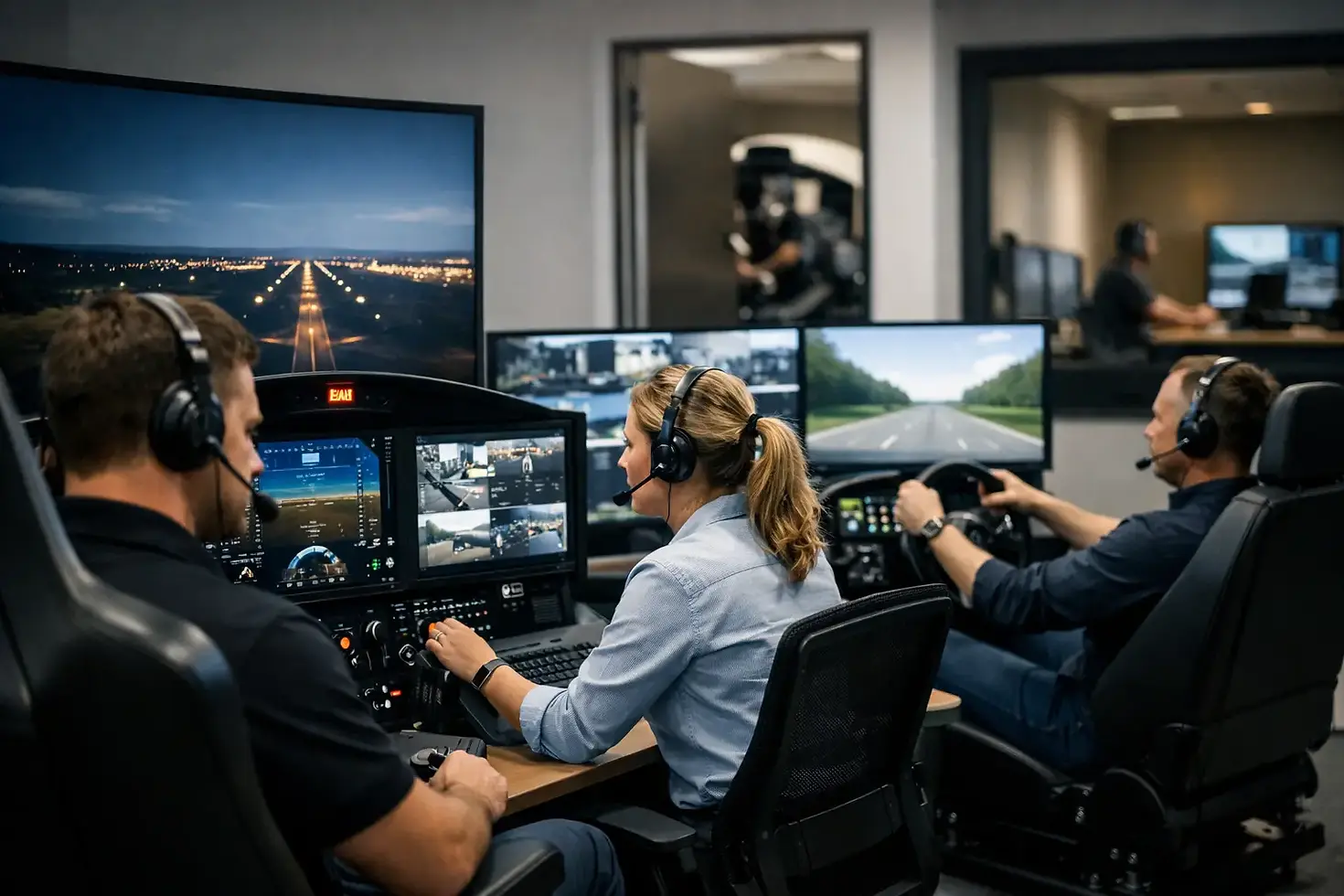
Consider a four-bay indoor golf studio in a suburban retail center. The operator leases roughly 3,000 to 4,000 square feet with clear ceiling height of at least 10 feet, although 11 to 12 feet gives more flexibility for taller players and full driver swings. The space includes four dedicated simulator bays, a small check-in and lounge area, one restroom, storage, and a compact camera-monitored entry vestibule.
The facility offers monthly memberships, off-peak memberships, and pay-as-you-play reservations. Members enter through a mobile credential or key-card system, reserve a bay through scheduling software, and use their assigned bay during the booked window. The model is designed for self-service, but it is not unattended in the careless sense. Remote monitoring, written bay instructions, automated rules, and responsive technical support create the structure that makes self-service practical.
A four-bay format can be a strong starting point because it creates meaningful booking capacity without spreading revenue across an oversized location. It also gives members options. A golfer practicing alone can book a 60-minute session, while a group can reserve a longer evening block for virtual golf and social play. Depending on the local market, the operator may reserve one bay for instruction, leagues, or premium bookings while keeping the others available to members.
The right size depends on rent, local demand, parking, nearby competition, and the type of customer you want to serve. A two-bay facility can work in a smaller community or as an addition to an existing golf business. Six or more bays may make sense in a high-traffic market, but more bays also mean greater upfront investment, more maintenance exposure, and a larger membership base needed to keep utilization healthy.
Start With the Member Experience, Not the Equipment List
Launch monitor selection matters, but the business model should come first. Ask what members are paying for. Is the facility primarily a serious practice destination? Is it a social club for virtual rounds and winter entertainment? Will it serve league players, junior golfers, instructors, or all of the above?
A practice-focused facility may prioritize highly accurate ball and club data, fast shot-to-shot feedback, and training software. A social model may put more emphasis on vivid graphics, easy game modes, comfortable seating, and a layout that accommodates groups. Many successful facilities need both, which is why bay design must support premium performance without feeling overly technical or intimidating.
Every bay should feel equally dependable. Members will notice quickly if one simulator tracks better, one projector looks dimmer, or one hitting mat feels worn. Standardizing the core hardware across bays simplifies training, support, replacement planning, and the customer experience. It also prevents the familiar problem of members competing to reserve the one "good" bay.
Clear operating instructions are part of the experience. A concise, visible guide should show members how to start the system, select a practice or course mode, adjust settings, end a session, and request help. Keep it simple enough that a first-time guest can participate without turning a golf night into a technology lesson.
Design the Space for Reliable, Unstaffed Use
A 24/7 venue needs a more durable design standard than a home simulator. Commercial-grade impact screens, enclosures, flooring, hitting surfaces, and protective barriers are not optional details. They are the parts that absorb repeated use and protect the more expensive technology behind them.
Each bay needs sufficient width, depth, and height for both safe swings and a comfortable player experience. A cramped bay might technically fit a simulator, but it can limit driver use, make left- and right-handed play difficult, and discourage group bookings. Allow room for the player, the launch monitor, a ball tray, a bag, and a few people standing safely outside the swing area.
Sightlines matter too. A player should be able to see the projected image or display clearly from the hitting position, while security cameras should cover entrances, common areas, and each bay without creating an intrusive atmosphere. Avoid placing cameras where they capture sensitive payment screens or private changing areas. The goal is accountability and incident review, not surveillance for its own sake.
Lighting should support both screen visibility and safe movement. Bright overhead fixtures aimed at the screen can wash out projected images, while a dark facility creates avoidable safety concerns. Controlled, indirect lighting and practical pathway illumination strike a better balance. If food and beverages are allowed, choose finishes that are easy to clean and keep drinks away from computers, sensors, and hitting areas.
The Technology Stack Behind a Smooth Operation
The launch monitor is only one part of the system. A dependable 24/7 facility also needs commercial-ready computers, stable networking, quality displays or projectors, surge protection, ventilation, and a remote-access plan. An operator should be able to identify whether a bay is online, reboot a computer when appropriate, and diagnose common issues without driving to the location at midnight.
Internet service deserves special attention. Booking platforms, software updates, remote support, digital entry, payment systems, and certain simulator features all rely on a stable connection. Hardwired network connections are generally preferable where possible, with a properly designed Wi-Fi network for members and ancillary devices. Separating business equipment from public guest Wi-Fi can improve security and reduce performance issues.
It is also wise to plan for recovery, not just normal operation. What happens after a power interruption? Can the bay restart automatically? Who receives an alert when a computer goes offline? Is there a documented process for a member who cannot access a booking or encounters a technical issue? These details are not glamorous, but they protect the reputation of the facility.
Premium simulator brands can offer different strengths in ball data, club data, course play, portability, software ecosystems, and budget. There is no universal best option. The best system is the one that matches your intended use, bay dimensions, operational model, and expectations for support. A custom configuration helps avoid paying for features your business will not use or underbuilding a facility that needs commercial-level performance.
Revenue Depends on Access and Utilization
Twenty-four-hour access does not automatically mean every hour will be profitable. Most facilities see strong demand before and after work, on weekends, and during cold or rainy seasons. Off-peak availability still has value because it improves convenience, serves shift workers, and gives serious golfers more reasons to maintain a membership.
Memberships create predictable recurring revenue, but the pricing structure should protect access. If unlimited memberships are priced too low, prime-time bookings can fill quickly and frustrate the very members you need to retain. Reservation windows, daily booking limits, cancellation rules, guest fees, and peak-time restrictions can keep the system fair.
Additional revenue can come from leagues, corporate events, lessons, club fitting partnerships, junior programs, and premium reserved-bay packages. These offerings should fit the operational plan. For example, a weekly league can build community and fill slower time slots, but it requires organized scoring, communication, and enough availability for regular members.
Do not overlook cleaning, consumables, and maintenance in financial planning. Golf balls, tees, mats, screen surfaces, computer peripherals, and furniture all experience more wear in a commercial environment. A modest monthly reserve for replacement and service is more realistic than assuming the original installation will run indefinitely without attention.
Build Trust Through Rules and Support
The strongest 24/7 facilities make expectations clear before a member ever enters. Members should understand guest policies, food and beverage rules, acceptable footwear, bay cleanup expectations, cancellation terms, and consequences for misuse. A signed membership agreement and a short orientation go a long way toward preventing problems.
Support should feel accessible even if the venue is not fully staffed. That may include a clearly posted support number, remote troubleshooting during defined hours, a simple issue-reporting process, and an escalation plan for access or safety concerns. Fast, calm responses after an occasional issue will often build more trust than pretending issues never happen.
Green Pro Golf Simulators helps operators plan these details alongside the physical build, from bay configuration and premium equipment selection to installation and long-term support. That hands-on planning is especially valuable when the facility must perform well after normal business hours.
A well-built 24/7 simulator facility gives golfers something increasingly hard to find: a dependable place to improve and play on their own schedule. Design it around that promise, and every bay, rule, and support process has a clear job to do.


Comments