
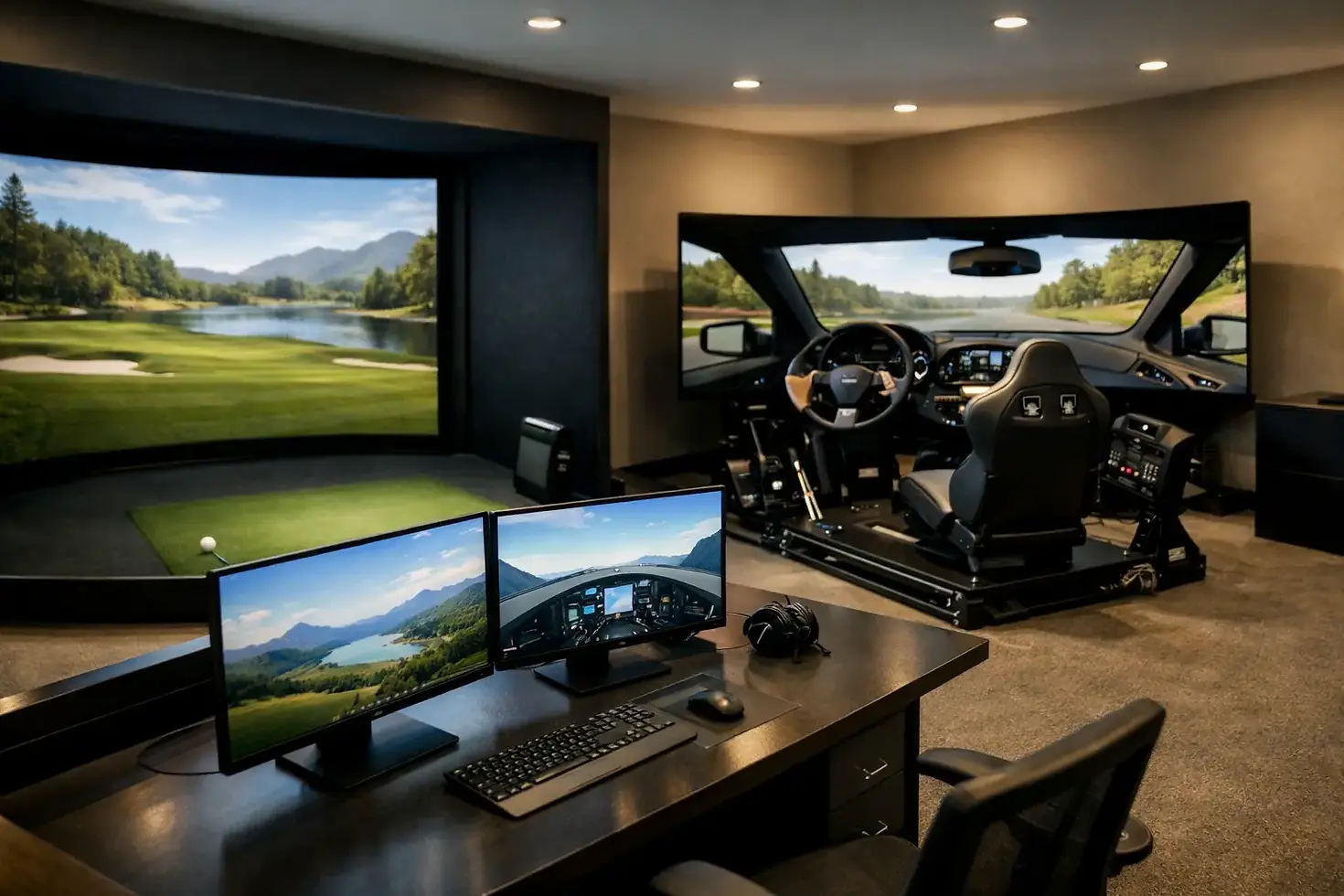
How to Design a Simulator Room Right

A simulator room can look impressive on paper and still feel wrong the moment you swing a club. The issue is usually not the launch monitor or projector. It is the room itself. If you are figuring out how to design simulator room space for real practice, home entertainment, or commercial use, the best results start with the room's dimensions, layout, and intended use - not a shopping list.
That matters because a golf simulator is not one product. It is a system. The enclosure, impact screen, hitting area, projector, computer, lighting, flooring, and ball flight environment all need to work together. When the room is designed around the technology instead of forcing technology into a bad space, the experience feels better, performs better, and lasts longer.
Start with the room, not the equipment
The first question is simple: what is this room supposed to do? A dedicated home practice room has different priorities than a family entertainment space. A bar or restaurant needs durability, traffic flow, and fast resets between users. A golf facility or school may care most about repeatable data, coaching visibility, and daily use.
Your answer shapes every decision that follows. If the room is built for serious game improvement, accuracy, screen placement, stance comfort, and lighting control matter more than lounge seating. If it is a mixed-use space, you may accept a few performance compromises to make the room feel inviting for guests. Neither approach is wrong. The mistake is trying to treat every simulator room the same.
Room dimensions are the next checkpoint. Ceiling height is often the deal-breaker, especially for taller players or anyone with an upright swing. Width matters more than many buyers expect because players need to swing freely without feeling boxed in. Depth affects safety, screen positioning, and projector placement. A room can technically fit a simulator and still be a poor simulator room if players feel restricted.
How to design simulator room dimensions that actually work
A comfortable golf simulator room needs more than bare minimum clearance. You want enough ceiling height for full swings with every club, enough width for right-handed and left-handed use if needed, and enough depth to position the screen and hitting area correctly.
For many residential installs, garages and basements are strong candidates because they offer flexible square footage. But each has trade-offs. Garages can provide good width and height, yet temperature control becomes a bigger factor. Basements can feel more integrated into the home, though soffits, beams, and lower ceilings often complicate the design.
Commercial spaces bring a different set of variables. A simulator bay inside a golf facility or 24/7 venue should allow for player movement, bag storage, and staff access. In a hospitality setting, you also need to think about spectators, food and beverage traffic, and sightlines. A simulator that works well for one golfer at a time may not work well for a group environment.
This is where custom planning matters. There is no universal ideal dimension because the right setup depends on who will use the room, what hardware is selected, and whether the bay is meant for practice, play, or both.
Build the layout around ball flight and player comfort
Once the room dimensions make sense, the layout has to support a natural swing and clean ball tracking. The hitting position should feel centered and intentional, not squeezed into leftover space. That affects player confidence more than people realize.
Screen distance is a key part of the layout. Too close, and the room can feel cramped and loud at impact. Too far, and you may lose efficiency in the bay or create projection compromises. The hitting mat also needs to be placed where launch monitor performance is optimized for the technology being used. Different systems have different setup requirements, so layout should follow the hardware's operating needs.
Player safety also deserves more attention than it usually gets. Side protection, ceiling protection, and proper enclosure design are not cosmetic upgrades. They protect the room, reduce bounce-back risk, and make users more comfortable swinging aggressively. That is especially important in commercial settings or homes where newer golfers will use the simulator.
Flooring matters too. The best rooms do not treat the hitting mat as a standalone accessory dropped onto concrete. A well-planned floor creates a stable hitting surface, clean transitions, and a finished look. It also helps define where players stand, where guests gather, and how the room functions as a complete environment.
Choose visuals and lighting carefully
A simulator room should look good, but performance comes first. The impact screen, projector, and ambient lighting all affect image quality. A premium projector cannot fully overcome poor lighting control or the wrong throw distance.
If the room has windows, plan for light management early. If it is a garage, think about how daylight shifts during the day and how that changes the image. If it is a basement or dedicated commercial bay, you may have more control, which helps create a more consistent visual experience.
The room's color palette also plays a role. Bright walls and reflective finishes can wash out the projected image. Darker finishes around the screen usually improve contrast and help the bay feel more immersive. That does not mean the entire room needs to be dark and dramatic. It means finishes should support the simulator rather than compete with it.
For multi-use rooms, balance is important. You may want enough lighting for socializing, coaching, or food service while still preserving screen visibility. Layered lighting often works better than a single overhead solution because it lets you adjust the room based on how it is being used.
Technology decisions should match the room's purpose
One of the biggest mistakes in simulator design is overspending on the wrong component. Not every room needs the same launch monitor, projector, display setup, or PC specification. The right system depends on whether the room is for high-level practice, family fun, customer traffic, instruction, or revenue generation.
A serious golfer may prioritize ball and club data above all else. A commercial operator may care more about uptime, user experience, and easy system management. A homeowner may want a blend of performance and entertainment, especially if the room will also be used for movies, games, or events.
That is why equipment selection should happen after the room plan is clear. Premium hardware performs best when it is matched to the room and the user. A custom design approach usually saves money in the long run because it avoids buying features you do not need while protecting the experience where it matters most.
Do not ignore sound, climate, and everyday usability
A simulator room is not just a visual and technical project. It is a room people spend time in. Sound control makes a major difference, especially in homes where simulator noise can travel to nearby rooms. In commercial spaces, acoustic planning helps keep the environment lively without becoming harsh.
Climate control is another common issue. Garages often need heating and cooling support to make year-round use realistic. Basements may need humidity control. If electronics, projectors, and computers are part of the system, stable environmental conditions help protect your investment.
Usability details also separate average rooms from great ones. Think about where clubs are stored, where players set drinks, how cords are managed, and how easy it is to clean the area. In a business setting, think about turnover between users, maintenance access, and how staff will support the bay during busy hours.
How to design simulator room space for long-term value
The best simulator rooms are designed for the next five to ten years, not just opening day. That means allowing for service access, possible hardware upgrades, and wear patterns from real use. Commercial buyers should think about durability from the start. Residential buyers should think about how family use may evolve over time.
A room that feels slightly overplanned at the beginning usually ages better. Extra power access, thoughtful cable routing, quality turf, and a properly integrated enclosure all add value because they reduce future headaches. Good design protects both performance and appearance.
This is also where working with an experienced simulator partner pays off. A company like Green Pro Golf Simulators can help align room design, premium equipment selection, installation, and support so the final result fits your space instead of forcing your space to fit a generic package.
If you are serious about getting this right, treat the room as part of the simulator, not just the place where it sits. That mindset usually leads to better swings, better use, and a setup you will still be happy with long after the install is done.


Comments